The story
Built to read the signs
Scan Chinese started with one small, everyday problem: standing in front of a sign, a menu or a notice, and not being able to read it. It grew from there into the tool its maker now opens several times a day.
1 Reading signs on the go
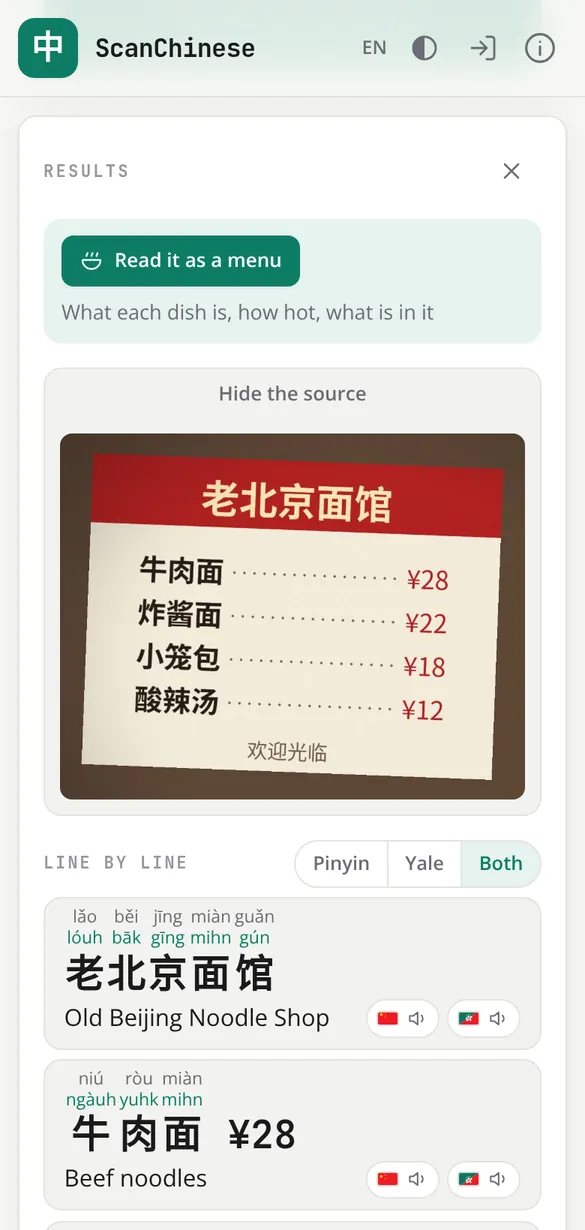
The first need was simple. Point a phone at the Chinese in front of you, a street sign, a shop front, a menu, and find out what it says, there and then.
The second came straight after: keeping it. A sign read once and forgotten teaches nothing, so every scan is kept as a card, with the photo it came from, to come back to later, search and review.
2 Hearing it, in both languages
Its maker grew up with some Cantonese, enough to speak and understand it, but was never taught to read or write it. And Mandarin is the language of the signs all around.
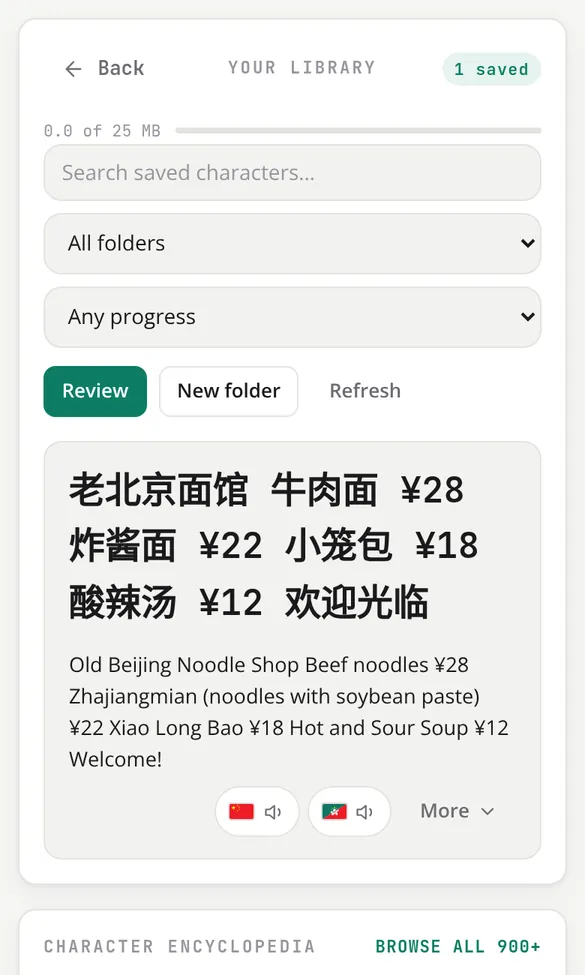
So the tool learned to say things out loud, in Mandarin and in Cantonese, with Pinyin and Yale over every character. Hearing a word you half know, and seeing it written, is how the two languages started to join up, and how both have kept improving since.
3 Drawing a character you are curious about
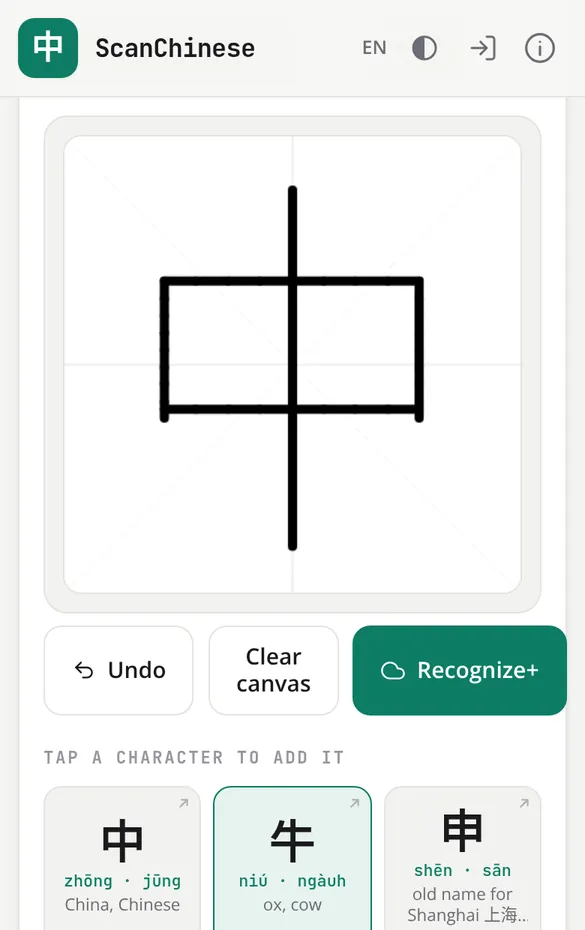
Sometimes there is no photo to take: just a character seen in passing, on a bus or in a book, that you want to know more about. A character you cannot read is a character you cannot type.
So the draw pad came next. Draw it roughly with a finger and pick it from the suggestions, stroke order or not.
4 A life saver in China
Since moving from London to China, Scan Chinese has gone from a side project to something its maker uses many times a day: for the shops, the post, the forms, the menus, everything that comes written down.
It is a family tool too. His children use it to learn Chinese, and to understand and finish their homework, with each character explained rather than just translated.
5 Beside Google Translate, not instead of it
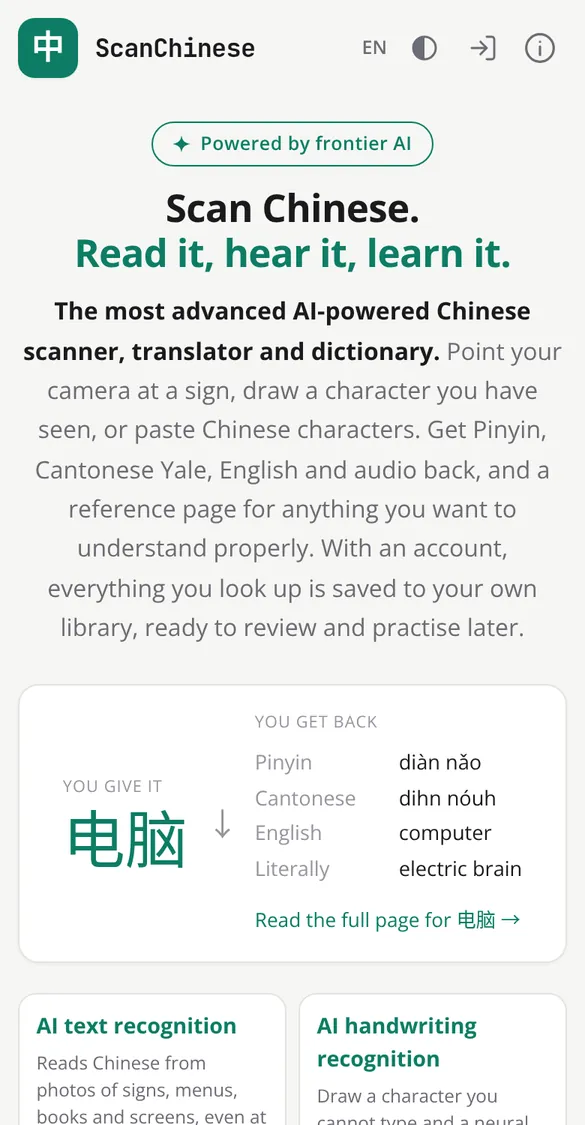
For its maker, Scan Chinese was never meant to replace Google Translate. It complements it, with the things a learner needs and a translator leaves out:
- speech in both Mandarin and Cantonese
- a history of everything you have looked up
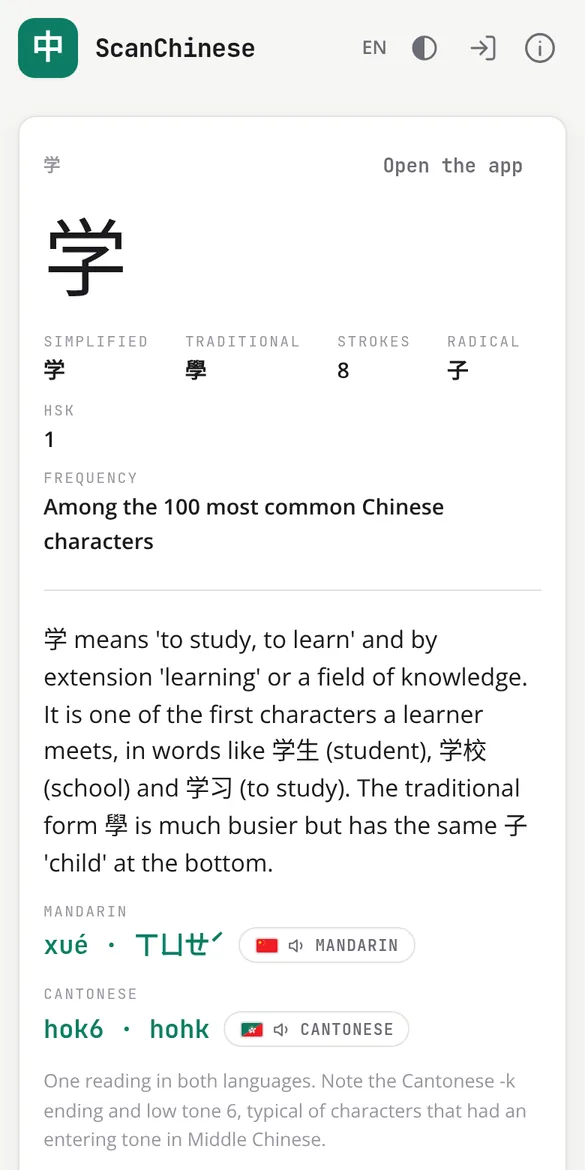
- each character explained: its meanings, where it came from, and how it is used
Why it is open to everyone
It was built for one family's needs. It is open now because anybody else reading Chinese they cannot type, learning Mandarin or Cantonese, or helping a child with their homework, might find it just as useful.
Try it nowIdeas, problems and requests
Much of what is in Scan Chinese started as somebody wishing it did one more thing. Tell us what you would add, what got in your way, or how you use it. Every message is read.
Rather write an email? info@scanchinese.com